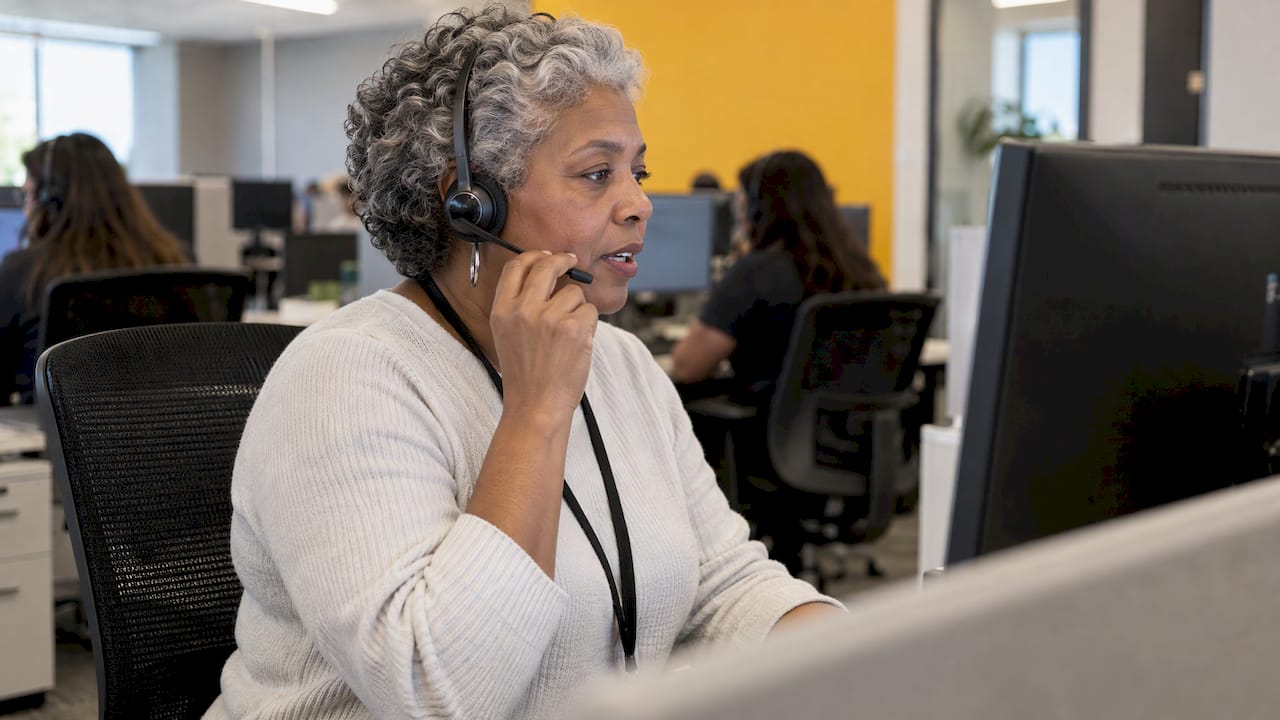
Patient portal support is the service that helps patients register, log in, recover accounts and use portal features, so the care team can stay focused on clinical questions. For a healthcare operations or CX leader, the design question is simple: who answers, how fast, and with what authority to resolve the issue at first contact? A dedicated, well-trained support team answers all three, and that is the model we build with health systems at Altiam CX.
TL;DR
- A portal help desk handles technical and account questions: registration, logins, two-factor codes, proxy access and record-matching errors. Clinical questions go to the care team.
- Strong desks set response standards, verify identity consistently and resolve issues at first contact instead of redirecting patients.
- Volume and complexity both vary widely: one call can take two minutes or more than an hour.
- Dedicated, bilingual, nearshore support teams give health systems scalable coverage without pulling clinical or HIM staff off their core work.
Table of Contents
- What patient portal support actually covers
- Technical questions versus clinical questions
- The problems that fill the queue
- What a good desk looks like in numbers
- Service standards that work
- Verification and privacy at the desk
- Channels patients expect
- Treating portal support as part of patient experience
- Build, staff and measure the desk
- Where Altiam CX fits
- Our perspective
- FAQ
- Sources
What patient portal support actually covers
A patient portal help desk is the front line for everything between a patient and a working account. AHIMA lists the typical requests: help registering, logging in or recovering a forgotten username or password; problems seeing or sending physician messages; help finding lab results or imaging reports; access rights such as enabling family member access; and correcting errors in medical records.
In practice, those requests fall into five groups:
- Enrollment and activation: activation codes, identity verification, pediatric and proxy accounts.
- Login and security: forgotten credentials, locked accounts, two-factor codes that never arrive.
- Navigation: where to find results, how to message a provider, how to pay a bill.
- Record matching: a patient cannot see data because the profile does not match.
- Access rights: who may view what, and for whom.
Technical questions versus clinical questions
The line between the two must be clear to patients and staff. Mayo Clinic’s portal assistance page states that its assistance tool handles questions on using the portal or technical problems, while medical questions go to the care team. It also points medical emergencies to 911 and mental health emergencies to call or text 988.
UC San Diego Health’s support page goes further. It names the topics its portal line cannot answer: billing, clinical, appointment scheduling and medical records questions. It lists a separate billing number for the last.
The lesson for your desk: publish the boundary, and give agents scripted, compliant ways to hand off the rest. Our guide to HIPAA-safe patient support call scripts shows how managers write those into SOPs.

The problems that fill the queue
Login failures and locked accounts
Cleveland Clinic’s MyChart guidance is a good model of the standard checks. Verify autofilled credentials and the network connection, clear cookies and cache, or try another browser or device. Account Recovery sends a verification code to a verified phone or email. Accounts lock after failed attempts and unlock automatically after a period.
Two-factor authentication
This is a steady source of contacts. The same Cleveland Clinic page explains that all MyChart accounts there are enrolled in two-factor authentication, which cannot be turned off, and that text codes come from short code 27182. Patients who lose a device must call support. Sutter Health’s help center advises checking spam folders, resending the code, checking other email accounts or enabling text alerts.
Your agents need the same fluency: they should know every step, in order, and which ones require a handoff.
Enrollment
Sutter Health describes four enrollment paths for My Health Online: at the doctor’s office, with an access code, through an online form with identity verification, and over the phone. Each path produces its own questions. A desk that knows all four resolves them in one call.
Record matching and profile errors
The ONC’s NewYork-Presbyterian case study describes staff checking common profile errors, such as name misspelling, hyphenation and month and date conventions, after verifying the person’s relationship to the organization. These are small errors that need a trained eye.
What a good desk looks like in numbers
The NYP case study is the most detailed public example. NYP launched its portal in 2009 and a dedicated help desk in 2012. Four full-time staff speaking English, Spanish and Chinese field 120 to 160 requests per week. That was down from 200 to 300 weekly in 2012 after a 2016 platform upgrade, though request complexity has increased.
Two points matter for planning. First, volume fell while difficulty rose, so the easy questions go away and the hard ones stay. Second, language coverage was built into the team from the start.
AHIMA’s article on Vanderbilt University Medical Center shows the other side of growth. Registered accounts rose from more than 22,000 in 2006 to more than 165,000, including more than 8,000 pediatric accounts. The same article notes that a single call or ticket may take two minutes or an hour and 15 minutes. Staffing to the average call undercounts the real workload.
Service standards that work
NYP’s desk responds to online requests in one to two business days when possible, aims to resolve issues at first contact, and targets three to five business days for requests that need coordination. Staff work with departments such as Medical Records rather than sending patients elsewhere.
The ONC Patient Engagement Playbook distills this into three strategies:
- Treat the portal as a patient engagement tool, not just an IT solution.
- Set clear response standards.
- Resolve issues at first contact rather than redirecting patients.
A practical set of standards for your own desk:
- A published response window for each channel (phone, email, chat, form).
- A first-contact resolution target, reported weekly.
- A named escalation path to IT, HIM and billing, with owners.
- A defined list of what the desk will not answer, and where those questions go.
Verification and privacy at the desk
Every support contact is a potential disclosure risk. The ONC’s 2017 guidance recommends technical and administrative policies to verify users’ identities before granting access credentials, and TLS 1.2 or higher to protect data in transit.
On the patient side, Lehigh Valley Health Network’s portal help sheet asks callers for first and last name, date of birth, a brief description of the problem and a reachable phone number. Sharp HealthCare’s account help page requires a government-issued photo ID for in-person verification.

AHIMA’s Patient Portal Toolkit names privacy and security as the foremost challenge in portal implementation. It recommends posting privacy notices, contact information and usage guidelines on the landing page, along with a statement that accounts can be deactivated for misuse.
Build the same discipline into scripts, so every agent verifies identity the same way, every time.
Channels patients expect
Look at what health systems publish and the pattern is plain. Baptist Health lists a technical support line available 24/7 and a support portal. Sharp offers email, phone, weekday chat and in-person help by appointment. Frederick Health separates clinical questions, which go to the provider, from technical ones, which go to a support button, email or phone line.
A multi-channel desk needs consistent answers across all of them. That means a shared knowledge base, shared SOPs and one set of escalation rules, not separate teams improvising.
Treating portal support as part of patient experience
A portal that is hard to enter is a patient experience problem before it is an IT problem. NYP’s project leader Juana Romero, in the ONC case study, says patients will always need someone to talk to. The same thinking applies to the wider journey, from the first login to the final bill. For a broader view, see how portal support fits the wider patient experience and our own pieces on streamlining patient support and why CX matters in healthcare.
Build, staff and measure the desk
- Map the request types. Tag every contact for 30 days using the five groups above.
- Write the boundary. Define technical, billing, scheduling and clinical ownership and publish it.
- Script the hard calls. Lost devices, proxy access, pediatric accounts and record mismatches need written steps.
- Cover the languages your patients speak. NYP built English, Spanish and Chinese into its team.
- Staff for peaks and long calls. Plan around the longest calls, not the average.
- Report weekly. First-contact resolution, response time by channel, escalations and repeat contacts.
Many organizations place this work with HIM or IT staff who have other priorities. A dedicated team keeps response standards steady and frees those staff for the work only they can do.
Where Altiam CX fits
Altiam CX is a nearshore customer experience partner, and our healthcare offer includes managed customer support and patient support with SOP management. Teams include bilingual agents and can scale as portal volume grows. If you are weighing a managed portal help desk, see our CX and operational support for health systems.
For a broader look at the model, read what patient experience outsourcing involves.
Our perspective
A portal is only as good as the person a patient reaches when it fails. We see portal support as patient care at the front door: a locked account is a missed appointment confirmation, a missing lab result and a frustrated family.
That is why we argue for a dedicated team with clear SOPs, bilingual coverage and authority to resolve at first contact. Disciplined execution and measurable performance frameworks matter more than headcount.
Nearshore delivery from Latin America gives healthcare organizations cultural alignment, flexible team models and cost efficiency, so the desk can grow with the portal instead of behind it.
Daniela
FAQ
What is patient portal support?
It is the help desk service that assists patients with registration, logins, account recovery, two-factor codes, proxy access and navigation. It covers the portal itself, not medical advice, which belongs to the care team.
What should patients have ready when they contact a portal help desk?
Typically their first and last name, date of birth, a short description of the problem and a reachable phone number. Some organizations also require a government-issued photo ID for in-person help.
How fast should a portal help desk respond?
NYP’s desk aims to respond to online requests in one to two business days and to resolve most issues at first contact. Requests needing coordination target three to five business days. Set your own windows by channel and publish them.
Which questions should a portal help desk not answer?
Clinical questions go to the care team, and emergencies go to 911 or 988. Many organizations also route billing, scheduling and medical records questions to their own teams, as UC San Diego Health does.
Sources
- HIM Best Practices for Managing Patient Portals (AHIMA)
- Mayo Clinic Patient Portal Assistance
- UC San Diego Health MyPath support
- Cleveland Clinic MyChart login and activation issues
- Sutter Health account and technical questions
- The NewYork-Presbyterian Portal Help Desk (ONC)
- Patient Engagement Playbook, Chapter 4 (ONC)
- Key Privacy and Security Considerations for Healthcare APIs (ONC)
- Lehigh Valley Health Network portal help
- Sharp HealthCare account help
- Patient Portal Toolkit (AHIMA)